Character Profile Template
The Character Profile Template defines the fields shown in the character profile card that appears next to posts inside episode (in-character) topics. When a member posts in a game thread, this card replaces the standard user profile, displaying the character's information instead.
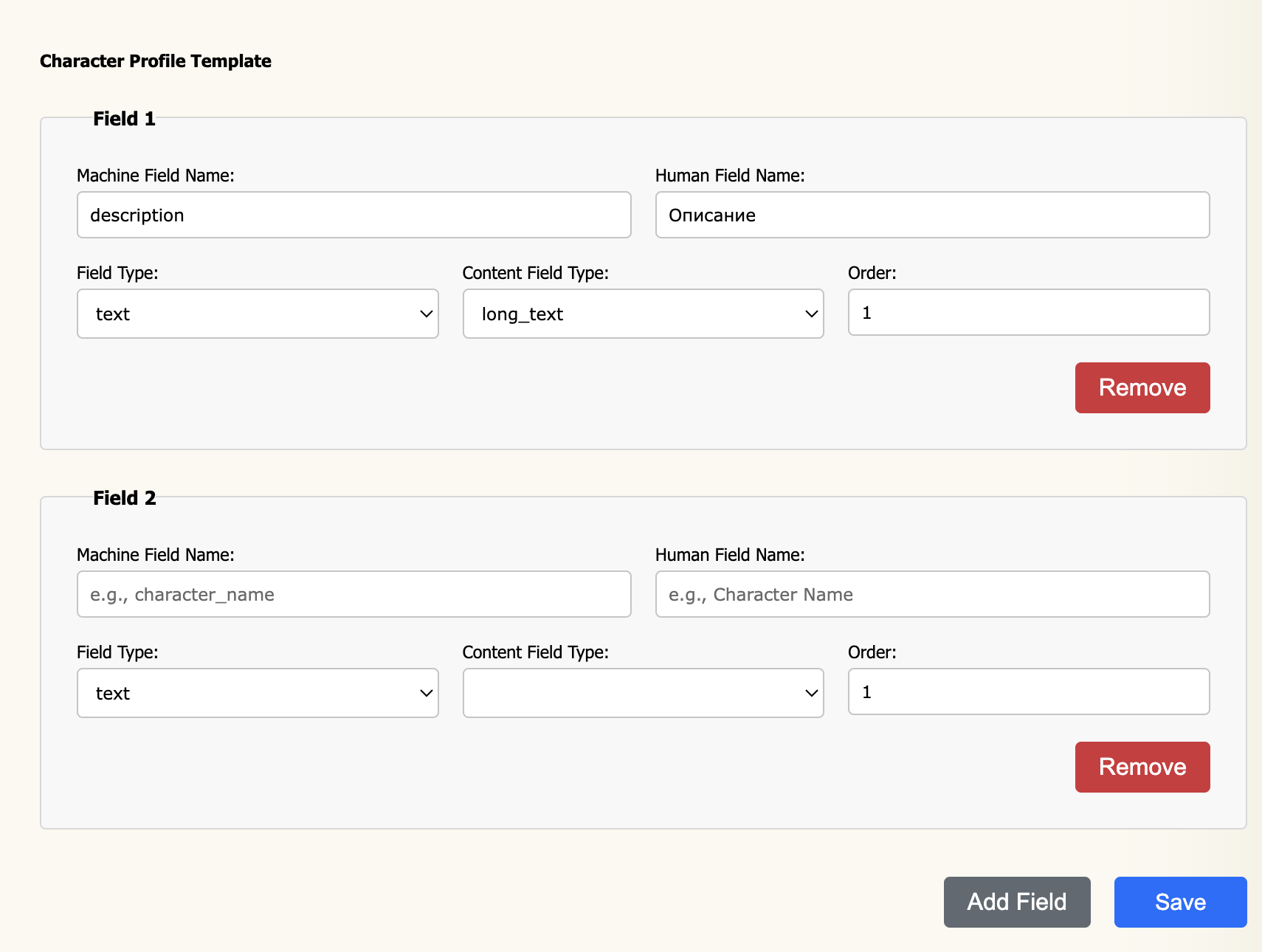
How it works
The interface is identical to the Character Template Editor. Each row defines one field; the order of rows controls the order fields appear in the in-post profile card. The same field type and content type options are available.
The key distinction from the Character Template is context: the Character Template defines the full character sheet filled in by the player, while the Character Profile Template defines the compact card visible to all readers next to every post in an episode thread — typically a portrait, name, and a handful of key attributes.
Field properties
All field properties are the same as in the Character Template Editor. Refer to that page for a full description of Machine Field Name, Human Field Name, Field Type, Content Field Type, Order, and Width / Height.