Topic Commander
Topic Commander gives you a side-by-side view of any two subforums so you can browse, select, and move topics in bulk without opening each one individually. It is the fastest way to reorganise content after a board restructure.
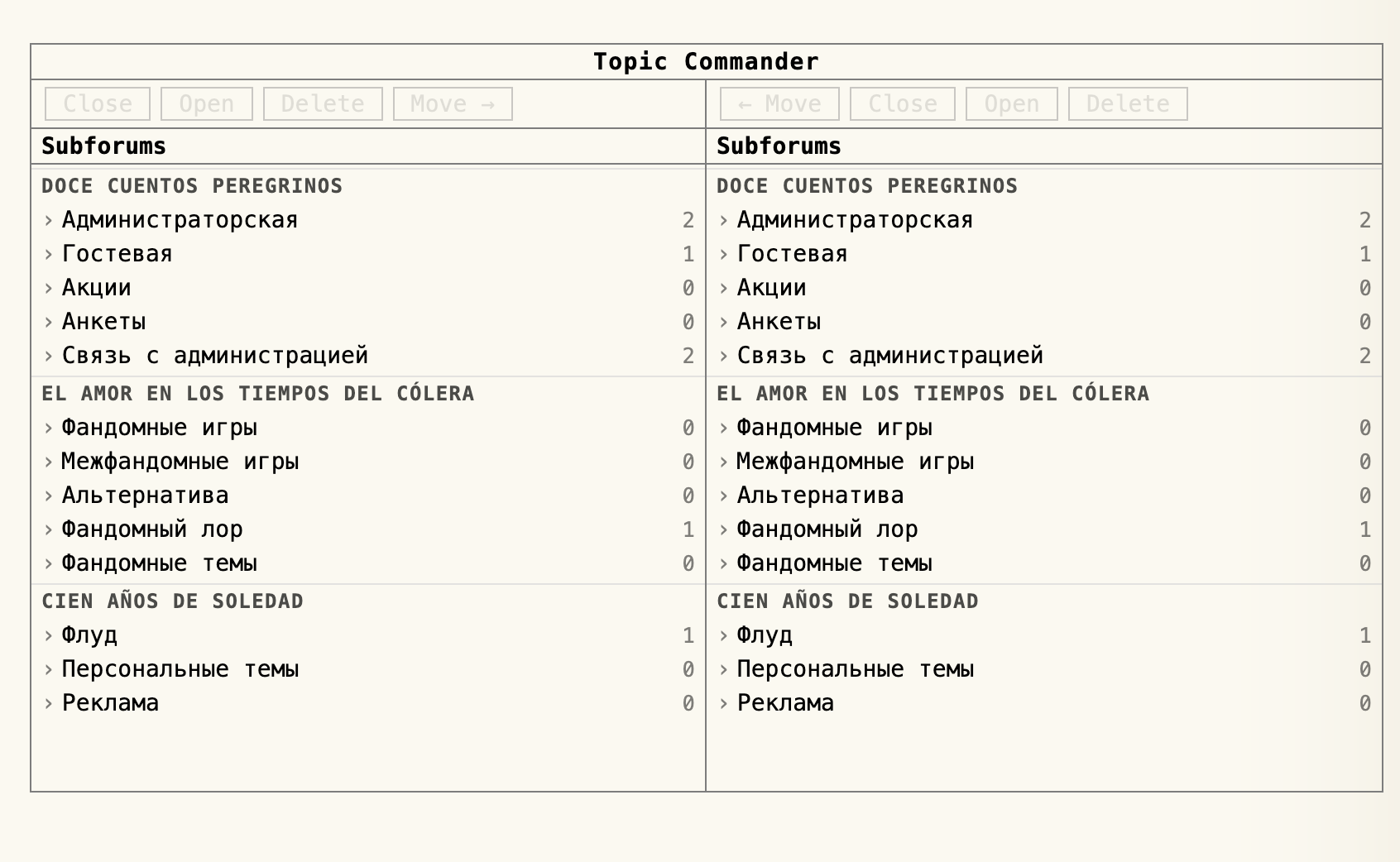
The two-panel layout
The page is split into a left panel and a right panel. Both panels work identically and independently. Each one starts by showing the full subforum list, grouped by category, with the topic count next to each subforum name.
Click any subforum name to open it in that panel. The panel switches to a topic list, showing each topic's name and its post count. Click [..] to go back to the subforum list.
Selecting topics
Click a topic row to toggle its selection. Selected topics are marked with
[x]; unselected topics show [ ]. You can select as
many topics as you need across the panel before applying an action.
Actions
- Select topics in the left panel, then click Move → to move them into the subforum open in the right panel.
- Select topics in the right panel, then click ← Move to move them into the subforum open in the left panel.