Admin Panel
Design Drafts
Design Drafts let you create and edit alternative CSS themes for your board before publishing them. Each draft holds its own version of the site stylesheet, which you can preview live and publish when ready.
Draft List
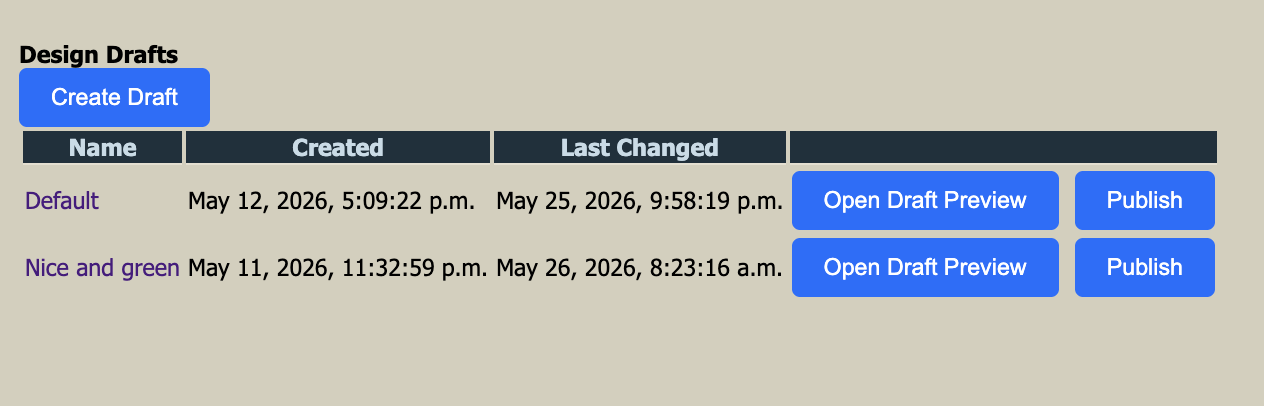
The draft list shows all saved drafts with their creation date, last changed date, and action buttons. From here you can:
Creates a new empty draft. You will be taken to the editor to give it a name and start writing CSS.
Opens the board in a separate browser tab with this draft's CSS applied, so you can
review the design without affecting live visitors.
Applies this draft's CSS as the active site stylesheet immediately. All visitors will
see the updated design. The draft remains editable after publishing.
Draft Editor
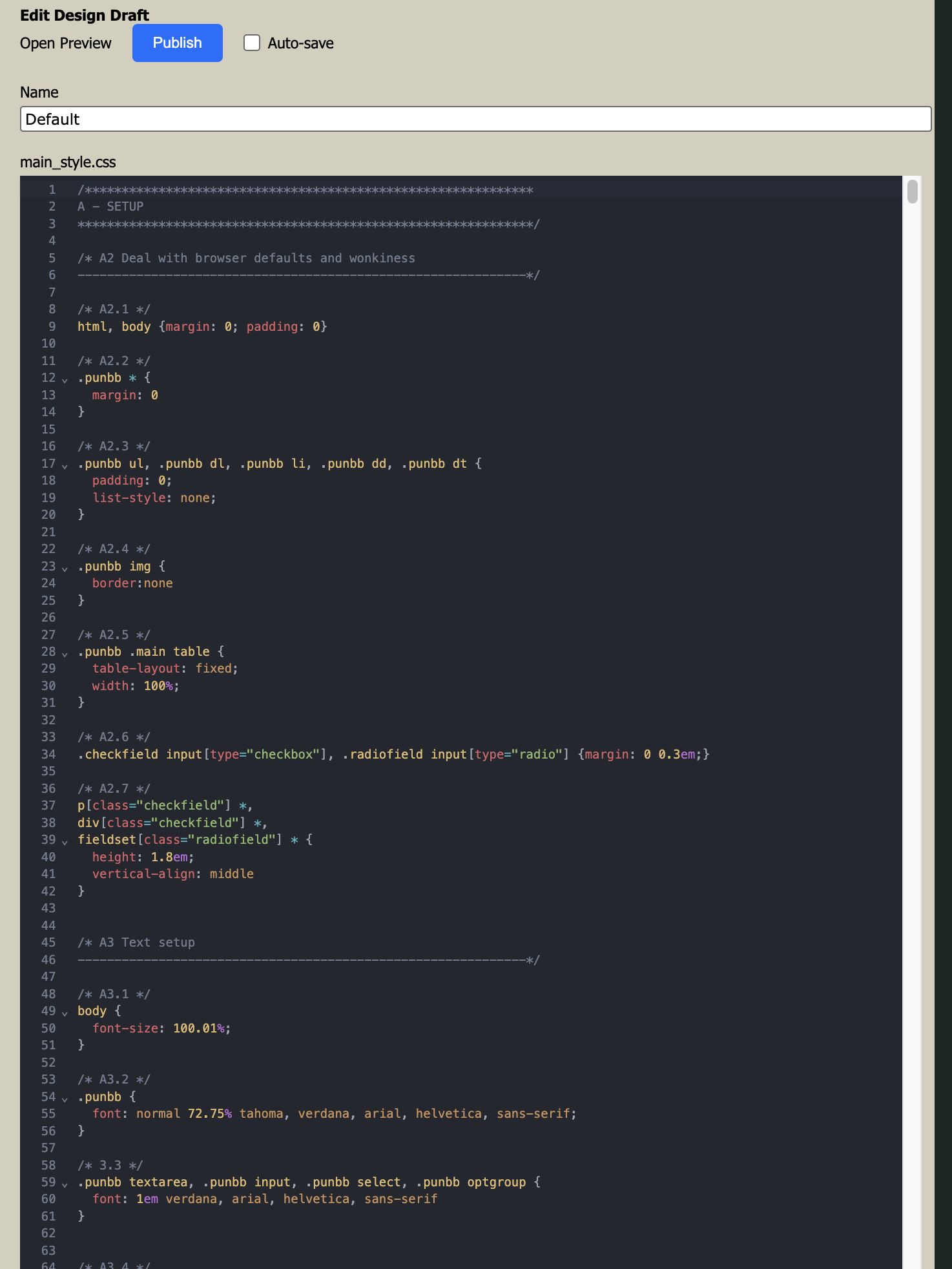
Clicking a draft name opens the editor. The editor shows the full CSS source for the draft and lets you modify it directly.
The internal name for this draft, shown in the draft list.
The main code area displaying
main_style.css. Edit the CSS directly here.
When checked, changes are saved automatically as you type. Uncheck to save manually.
Opens the board preview with the current (possibly unsaved) draft applied.
Publishes the draft as the live site stylesheet directly from the editor.