Admin Panel
Widget Panels
Widget Panels are editable content areas rendered in fixed positions on the board — the site header and footer. Each panel holds free-form rich text and BBCode, and can be toggled hidden without deleting its content.
Panel List
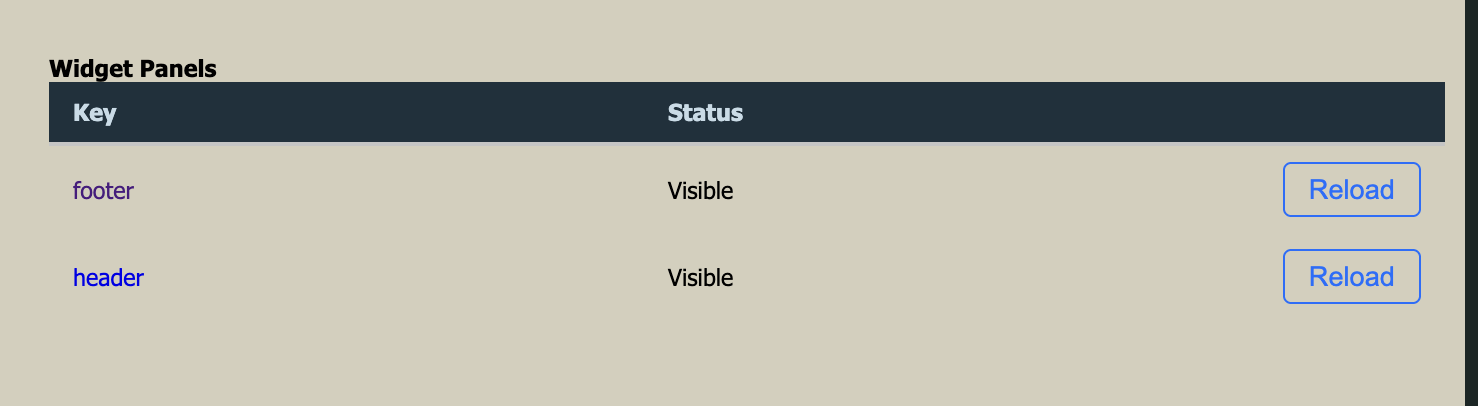
The panel list shows all available panels with their key and current visibility status. Click a panel's key link to open the editor. Use the Reload button to force the panel to refresh its cached output on the live site.
Content rendered at the top of every page, above the navigation. Typically used for
the board's banner image, affiliate buttons, or announcement text.
Content rendered at the bottom of every page. Typically used for affiliate links,
credits, or supplementary navigation.
Panel Editor
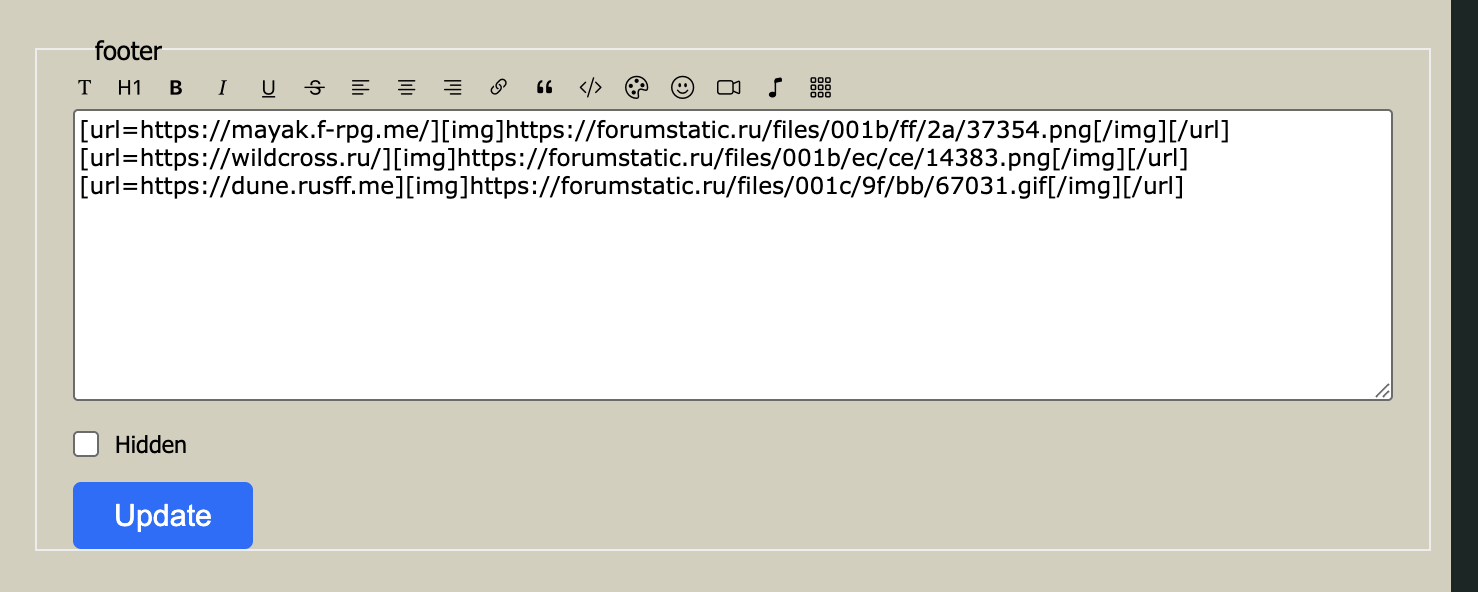
The editor for each panel contains a rich text area and a visibility toggle.
The HTML or BBCode content displayed in this panel. The toolbar provides formatting
shortcuts; you can also type BBCode directly.
When checked, the panel is not rendered on the live site. The content is preserved
so you can re-enable the panel later without re-entering it.
Click Update to save changes. The panel is updated immediately.