Admin Panel
Settings
The Settings page controls site-wide behaviour — who can do what, how content is displayed, and how external services are connected. Changes take effect immediately after saving.
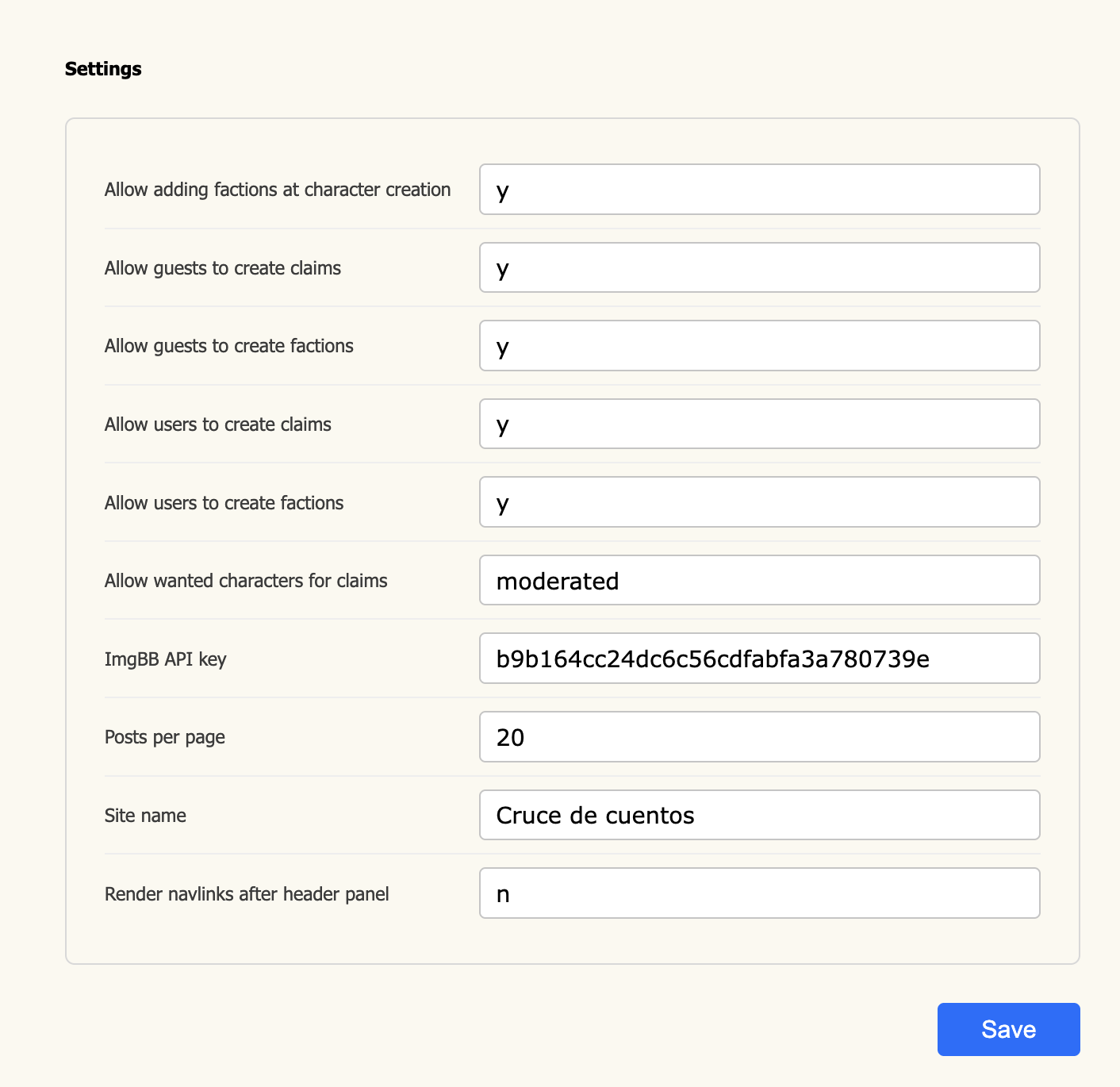
Fields
The display name of your Cuento instance. Shown in the browser tab, header,
and anywhere the site refers to itself by name.
How many posts are shown per page inside a topic thread. Lower values load
faster; higher values let readers scroll through long threads without
clicking through pages. Default is
20.
API key for ImgBB, the image hosting
service used when members upload images through the post editor. Without a valid key
image uploads will fail. Obtain a free key from your ImgBB account dashboard.
Controls where the navigation links appear relative to the header panel.
Set to
y to render nav links below the header image/banner;
set to n to render them above it (default).
When set to
y, members can assign their new character to a faction
during the character creation flow. Set to n to hide that option —
useful if factions are invite-only or assigned by admins.
Lets logged-in members create new factions. Set to
n to restrict
faction creation to admins only.
Lets unregistered visitors create factions. This is independent of the
user-level setting above — a guest-facing board may have looser rules
while requiring registration for persistent play.
Lets logged-in members submit claims (requests to play specific characters).
Set to
n if claims are managed entirely by staff.
Lets unregistered visitors submit character claims. Useful for open-application
roleplay boards where registration follows a successful claim.
Controls whether members can claim characters from the Wanted Characters list.
y— anyone who meets the claim rules can claim a wanted character directly.n— wanted characters cannot be claimed through the normal claim flow.moderated— claims on wanted characters are submitted for staff review before being approved.
Saving
Click Save at the bottom of the page to apply all changes at once. All fields are saved together — there is no per-field save. The button briefly shows a confirmation state and then returns to idle.